
Animated Sunlit Reef
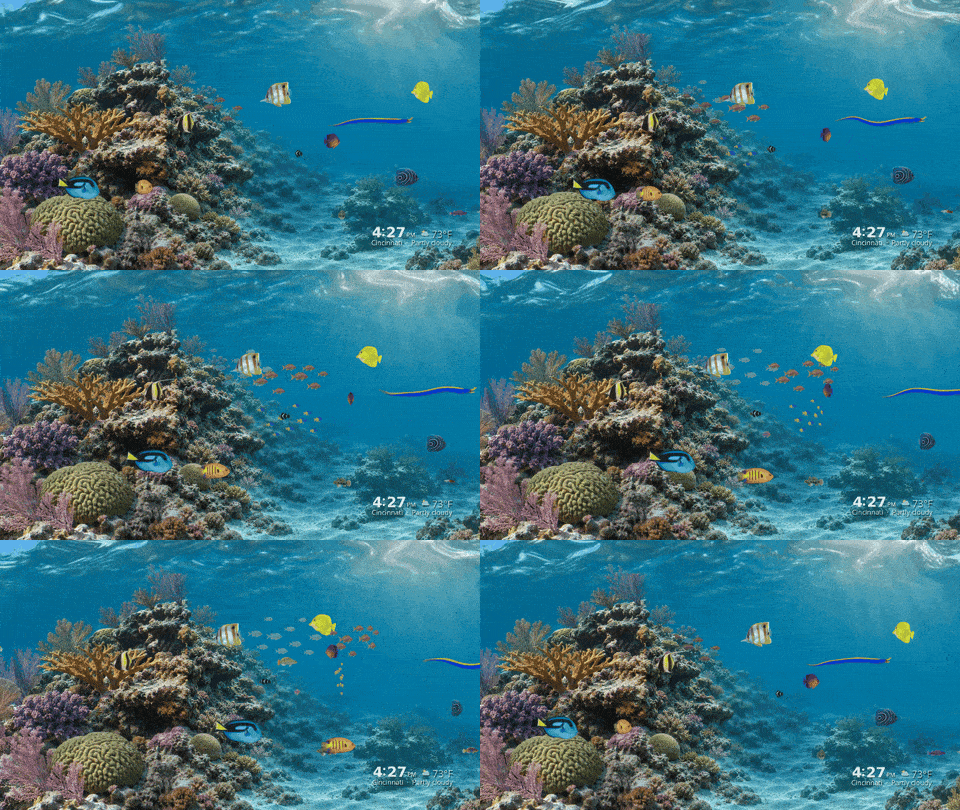
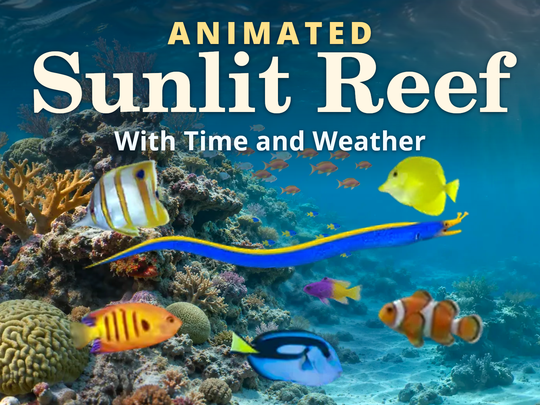
A Roku screensaver with tropical fish, drifting sunlight, and a blue ribbon eel weaving through a coral reef. See your local time and current weather at a glance.
What you’ll see
A reef in motion
Schools of fish cross the reef at different depths as sunlight ripples over coral, sea fans, and the sandy seabed.
Local time
The clock uses your Roku’s local time and follows your 12- or 24-hour clock setting.
Current weather
See the temperature and conditions near the approximate location of your internet connection. The reef and clock keep running if weather is unavailable.
Screenshots
Scenes from the screensaver. The time and weather shown are sample values.
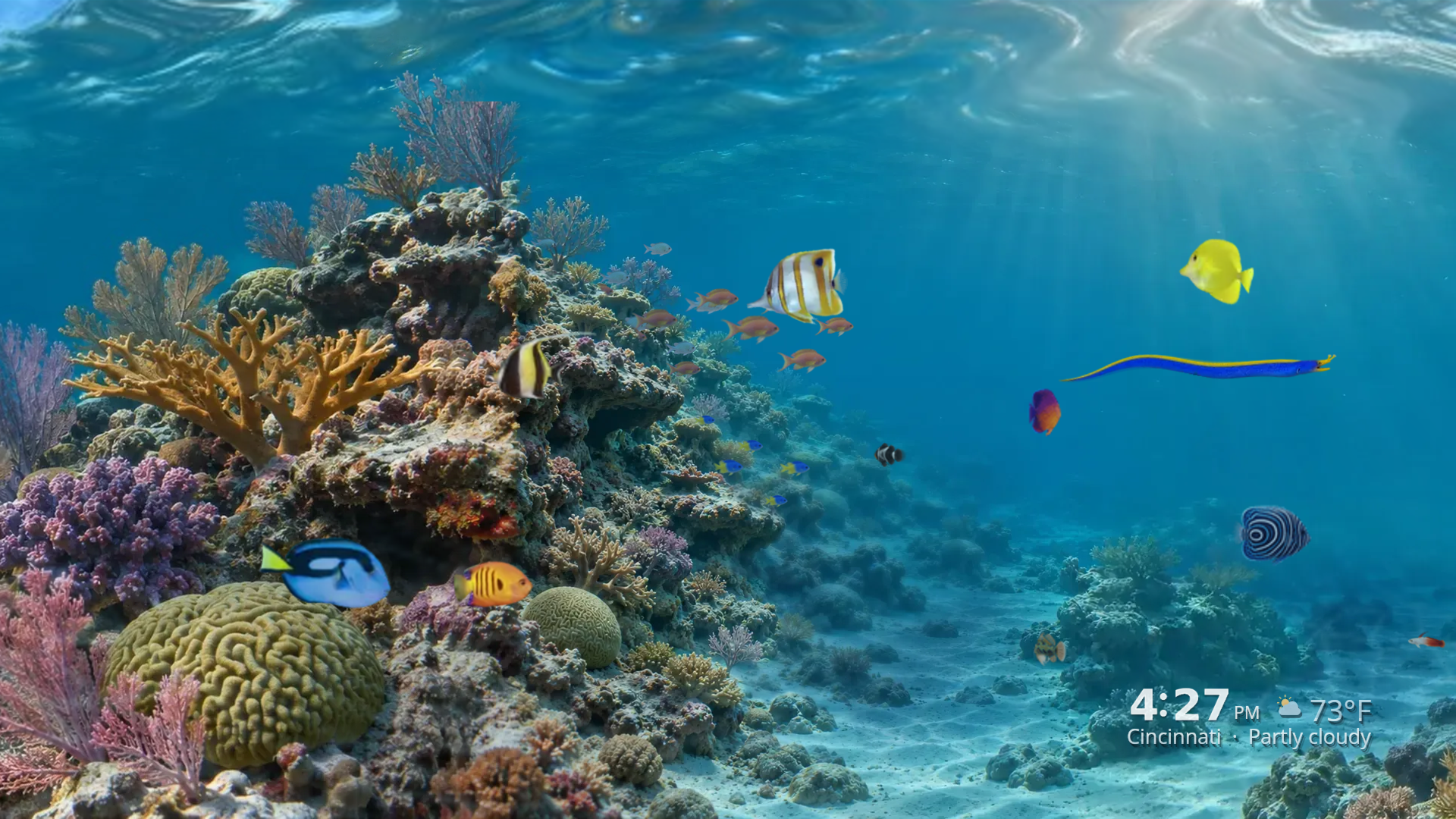
Blue ribbon moray
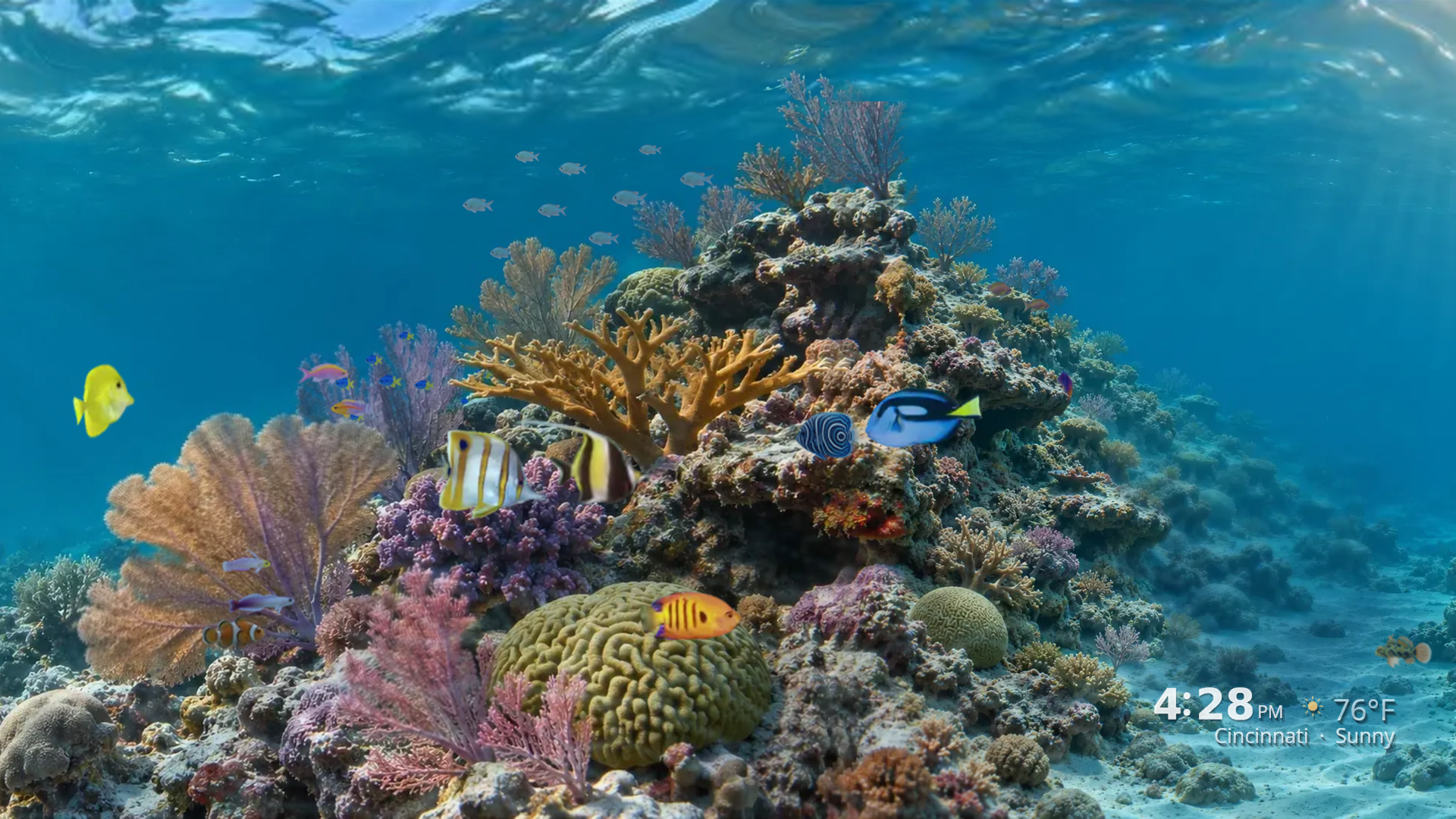
Coral garden
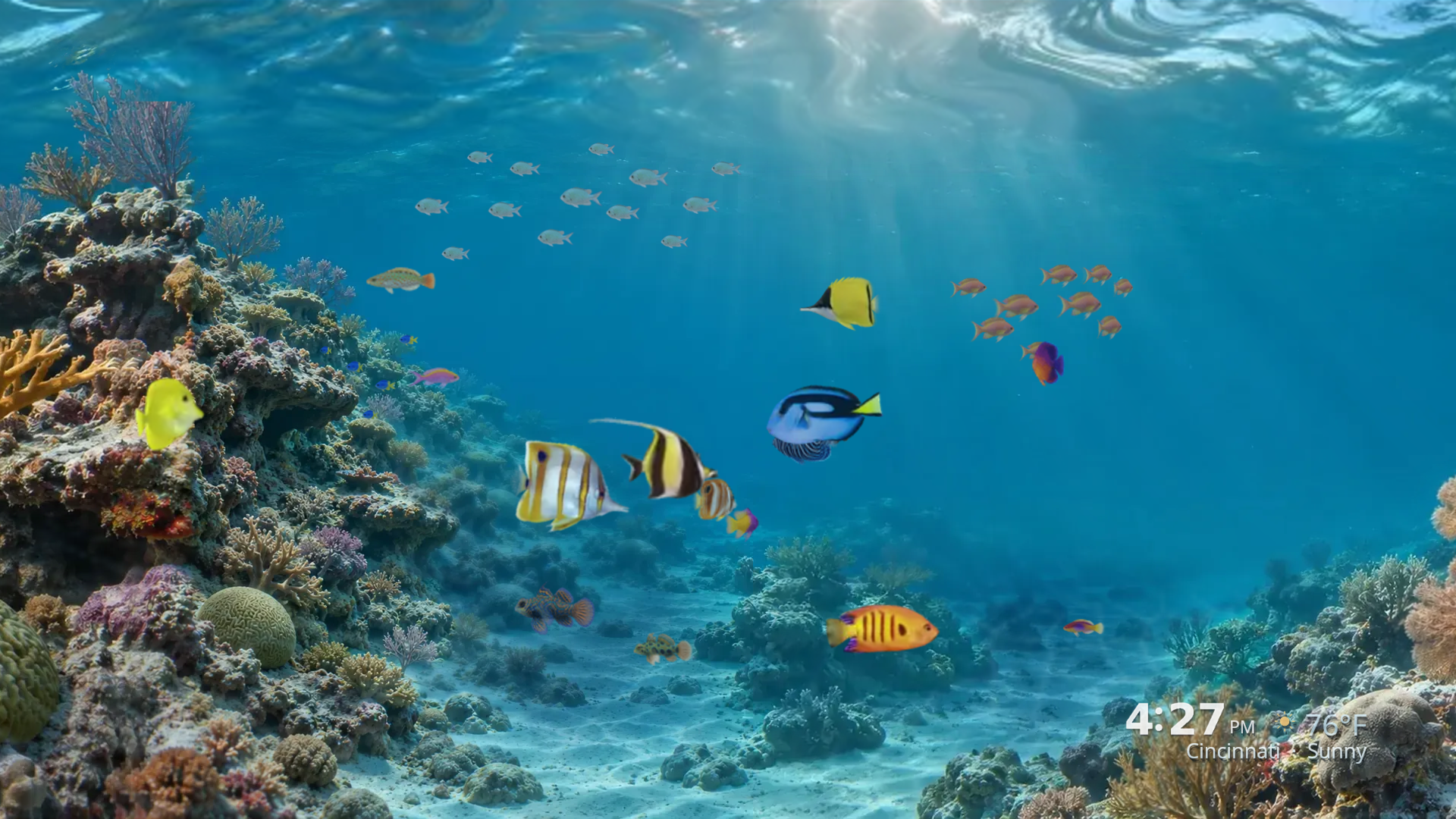
Tropical fish in open water
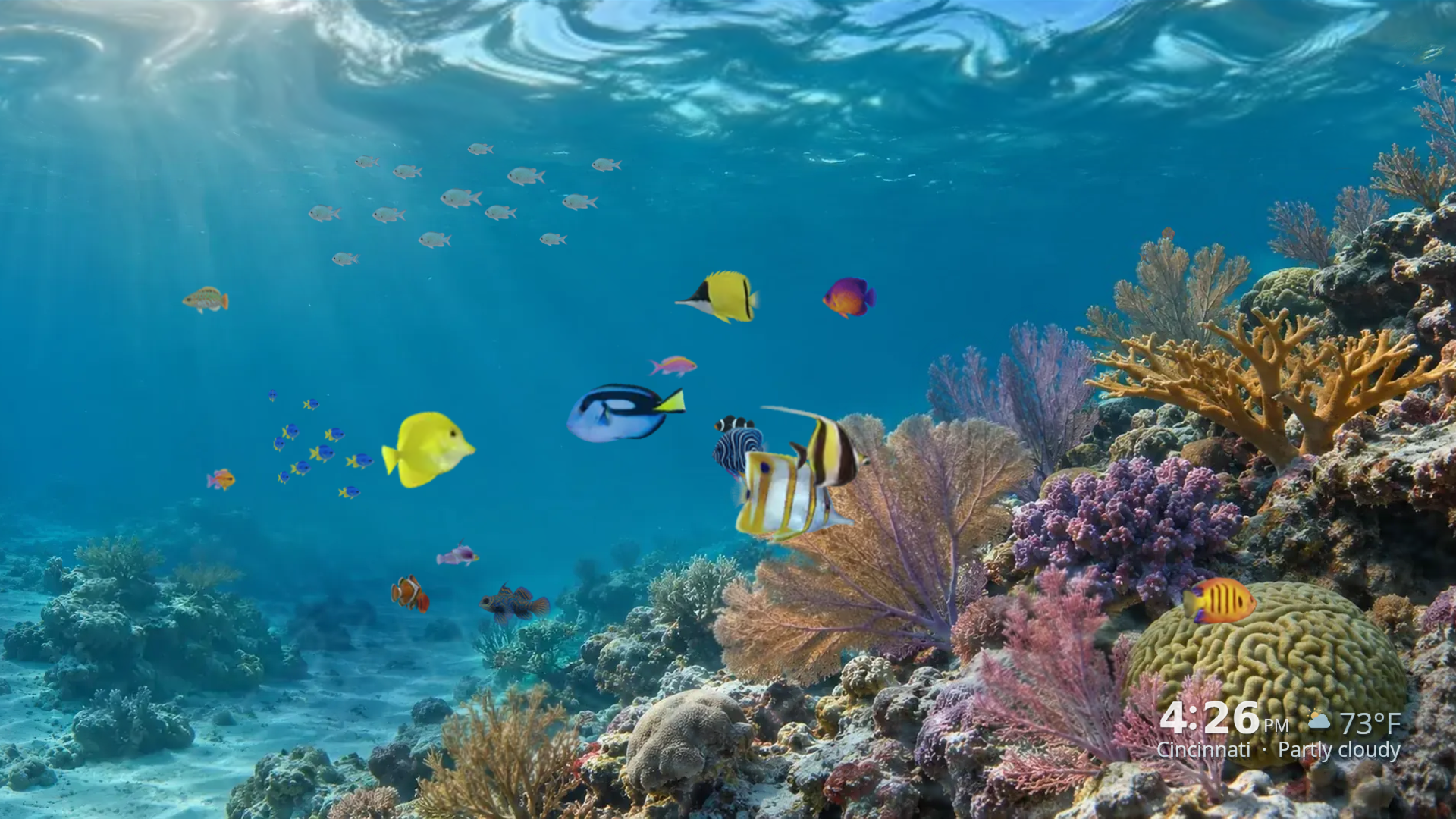
Sunlight over the reef
Set it up on Roku
- On your Roku, go to Settings → Theme → Screensavers.
- Once installed, choose Animated Sunlit Reef. It may appear as Sunlit Reef Weather on the device.
- Select Set as screensaver. To adjust the delay, open Theme → Screensaver wait time.
Weather updates require an internet connection.
Screensaver support
Use the Reborn Studios contact form and select Other. Include your Roku model, software version, and a description of what you see. To find the model and software version, go to Settings → System → About.
Reef artwork credits
- Flame Angelfish Centropyge loricula by Brian Gratwicke. Isolated, color graded, and animated. Source photo · CC BY 2.0
- Moorish idol (Zanclus cornutus) by Rickard Zerpe. Isolated, color graded, and animated. Source photo · CC BY 2.0
- Scarus vetula 459108541 by Jay Brasher. Reference for the queen parrotfish sprite. Source photo · CC BY 4.0
- Blue tang, copperband butterflyfish, and yellow tang photo references from iStock.


